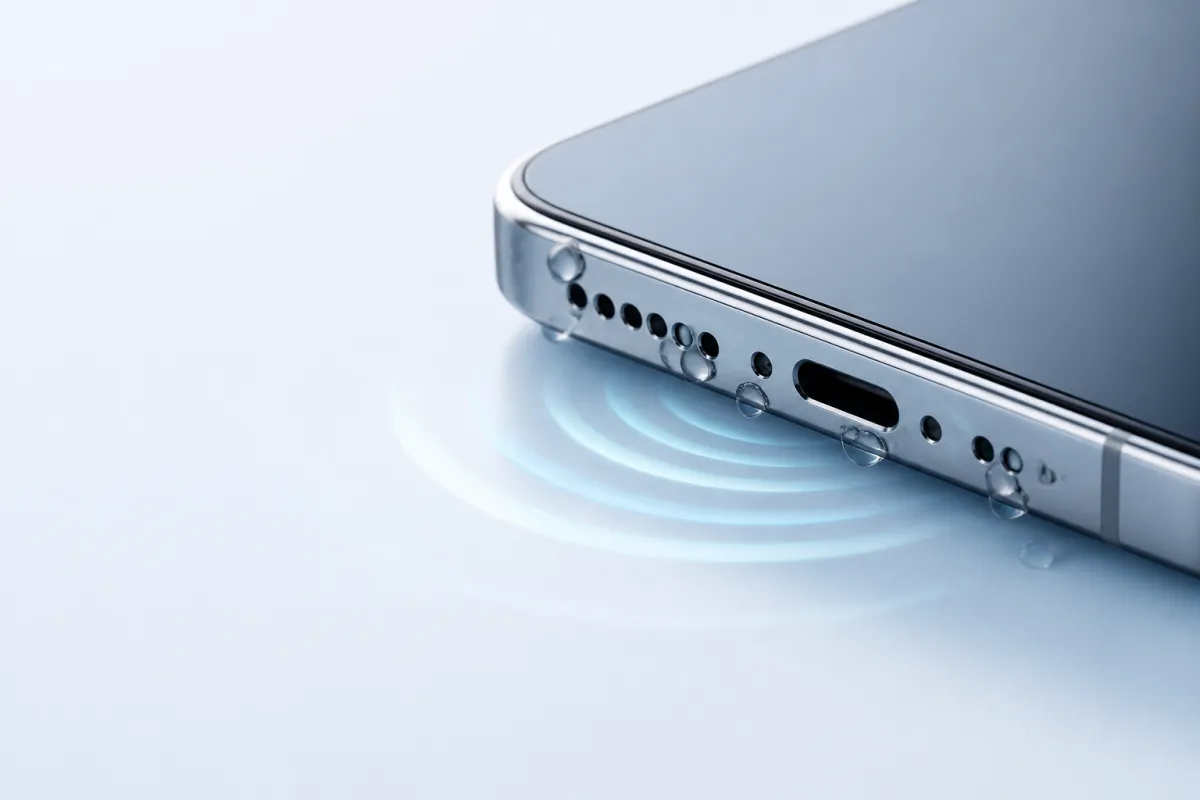
How to use Speaker Water Eject
Choose Water Eject or Dust Cleaner, set a short timer, hold the speaker facing down, and play the sound at moderate volume.
Test before and after
Use the permissionless speaker test tones before and after a session to hear whether output is clearer.
Know when to stop
If the phone was submerged or behaves abnormally, stop using it and contact a repair professional.
Test before and after
V1 keeps speaker testing permissionless. You hear simple left, right, and clarity tones without granting microphone access or recording audio.
Use moderate volume. Do not use headphones.
The sound may help with trapped water or loose dust, but it cannot repair hardware damage. Stop if the phone behaves abnormally.
Before session
Listen for crackle, low volume, or muffled output.
After session
Listen for crackle, low volume, or muffled output.
Embed the free widget
Phone repair blogs and tech guides can embed a compact water eject tool directly inside their articles.
Get embed codeEmbed code
<iframe
  src="https://speakerwatereject.com/embed/water-eject"
  title="Speaker Water Eject water eject tool"
  width="100%"
  height="420"
  style="border:0;border-radius:8px;"
  loading="lazy">
</iframe>
Related tools
Play a low-frequency sweep for trapped speaker moisture.
Dust CleanerUse a wider sweep for muffled speaker grille sound.
Speaker TestCheck output with simple left/right test tones.
Tone GeneratorPlay test tones at any frequency from 20Hz to 20kHz.
Speaker GuidesHonest guides on water damage, drying, and cleaning.
Safety GuideWhat eject sounds can do safely, and what they cannot.
What actually helps, beyond the sound
A tone clears the speaker grille and nothing else. These are the things our guides already point to for the rest of the job.
Silica gel packets
The desiccant that actually works. Our guides recommend 30-60g sealed with the phone, far more than one sachet.
Soft cleaning brush
For lint and debris around the speaker grille. Dry bristles only, never liquid on the mesh.
Waterproof phone pouch
Prevention beats rescue near pools, boats, and rain. Cheaper than one repair.
Questions
Does Speaker Water Eject remove water from every phone speaker?+
No tool can guarantee that. Speaker Water Eject may help with light trapped moisture, but it cannot repair water-damaged hardware.
Why not use microphone scoring?+
V1 uses permissionless tones because microphone readings vary by phone, case, room noise, and browser. Listening before and after is simpler and more trustworthy.
Can I embed Speaker Water Eject in a blog?+
Yes. Use the widget page to copy the iframe code for a compact water eject tool with built-in safety guidance.